Creating Websites for Research Outreach
Quarto allows you to generate full websites which can then be deployed for free using services such as GitHub Pages or Netlify. This provides an easy solution to create web content for research groups, project pages, course and teaching materials, as well as personal academic profiles.
In the exercise for this section, you will create a simple website to share your research outputs.
Why This Use-Case Matters For Researchers
Doing some form of outreach activities has become increasingly important for:
- Increasing your professional visibility
- Communicating research outputs to audiences beyond academic journals
- Sharing research materials and methods with the broader community
The basics of websites with Quarto
Rendering
The websites functionality of Quarto is built on top of Bootstrap which is a free front-end framework which is very popular for fast and easy web development.
Like all websites Quarto website pages render as .HTML files. In many IDEs such as RStudio, VScode and Positron these can be viewed locally directly in the ‘viewer pane’ by clicking the ‘Preview’ button at the top of the file editor window ir right clicking on the file itself.
Project-level configuration
Like all Quarto projects, websites should use a project-level _quarto.yml file to define the website structure and formatting. This allows you to easily manage navigation, themes, and other shared settings across all pages of the site.
The Front Page: index.qmd
Websites must have an index.qmd file in the root directory which serves as the front page of the site. This page can include any content you like, but it is often used to provide an overview of the site and highlight key information.
Formatting and Theming
Inbuilt themes
Quarto ships with 25 built-in themes drawn from the Bootswatch project (such as cosmo, flatly, journal, and litera). Because a website is a project, you set the theme once in _quarto.yml and every page inherits it:
format:
  html:
    theme: cosmo
Swap the name to preview alternatives until you find one that fits — see the full list in the Quarto theme documentation.
Customising with Sass and CSS
While a built-in theme gets you most of the way there, it can feel a bit generic. To change things up you can layer your own styling on top. CSS (Cascading Style Sheets) is the language browsers read directly to style a page, while Sass is a more powerful superset that adds conveniences like variables, nesting, and reusable rules — it compiles down to plain CSS before the browser ever sees it. For Quarto, the recommended route is a Sass theme file (.scss), which lets you override Bootstrap variables (colours, fonts, spacing) and add custom rules. You can include this in your project by adding it to the _quarto.yml file:
format:
  html:
    theme:
      - cosmo
      - custom.scss
Inside custom.scss, variables go in a defaults layer and custom rules in a rules layer:
/*-- scss:defaults --*/
$body-bg: #fdfdfd;
$link-color: #2c7fb8;

/*-- scss:rules --*/
.navbar-title { font-weight: 700; }
Alternatively, for small, one-off tweaks a plain CSS file works just as well:
format:
  html:
css: styles.cssGiven the depth of Sass and CSS, don’t be afraid to bring in some help. AI agents or chat services are really quite good at writing CSS and there are even specific agentic harnesses such as Claude Design, Impeccable and Open Design that can help you take your website to the next level.
Light and dark mode
Quarto has the option to add light and dark modes for websites. Simply provide two themes in the yaml file and Quarto automatically adds a toggle to the navbar. The first entry is the default, and each side can be paired with its own .scss:
format:
  html:
    theme:
      light: flatly
      dark: darkly
Building a consistent visual identity
For maintaining a consistent identity across your website, presentations, and reports, Quarto can also read a shared _brand.yml file that defines your colours, fonts, and logo in one place, this is covered in the advanced topics section.
Concrete Examples
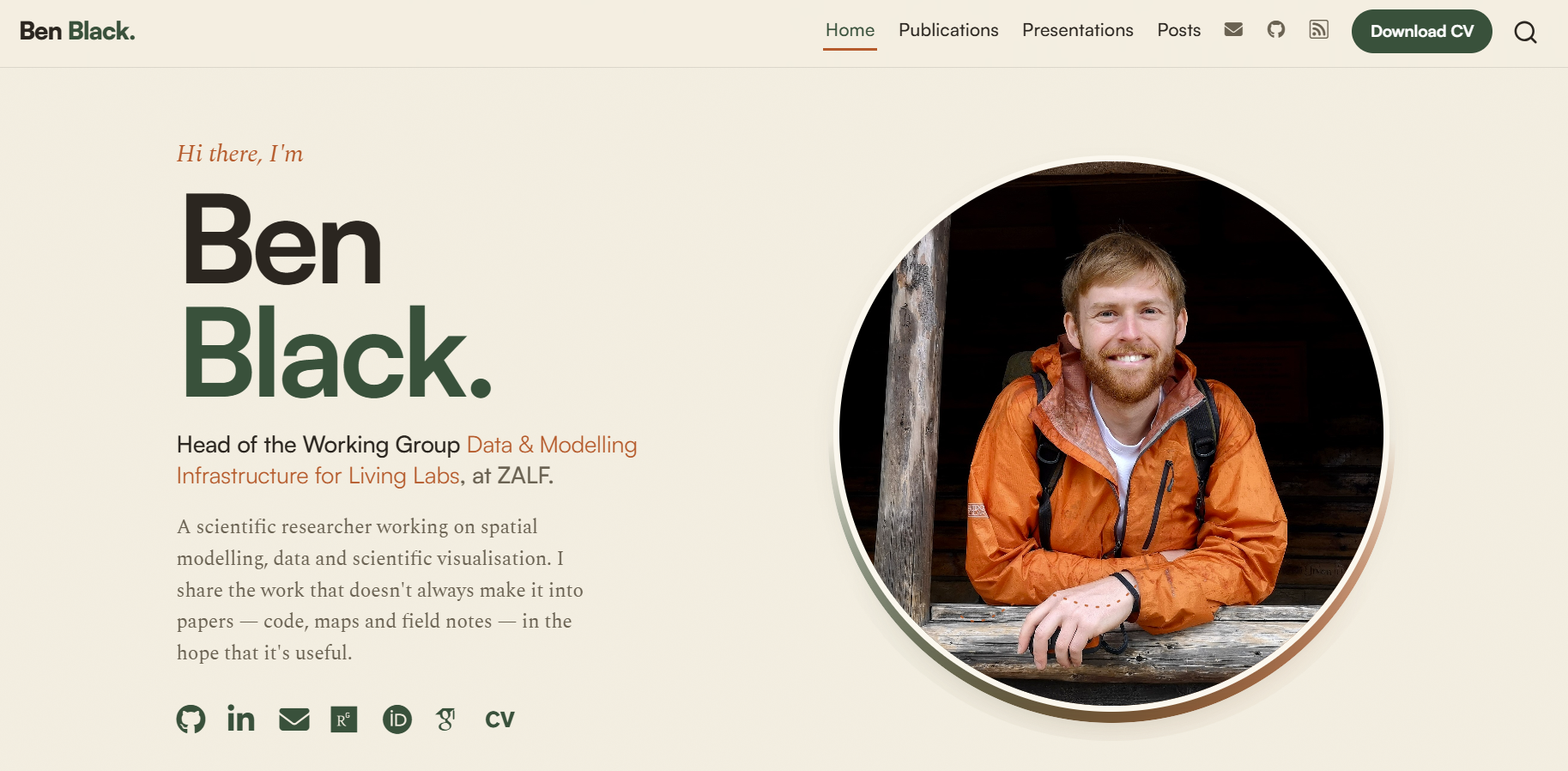
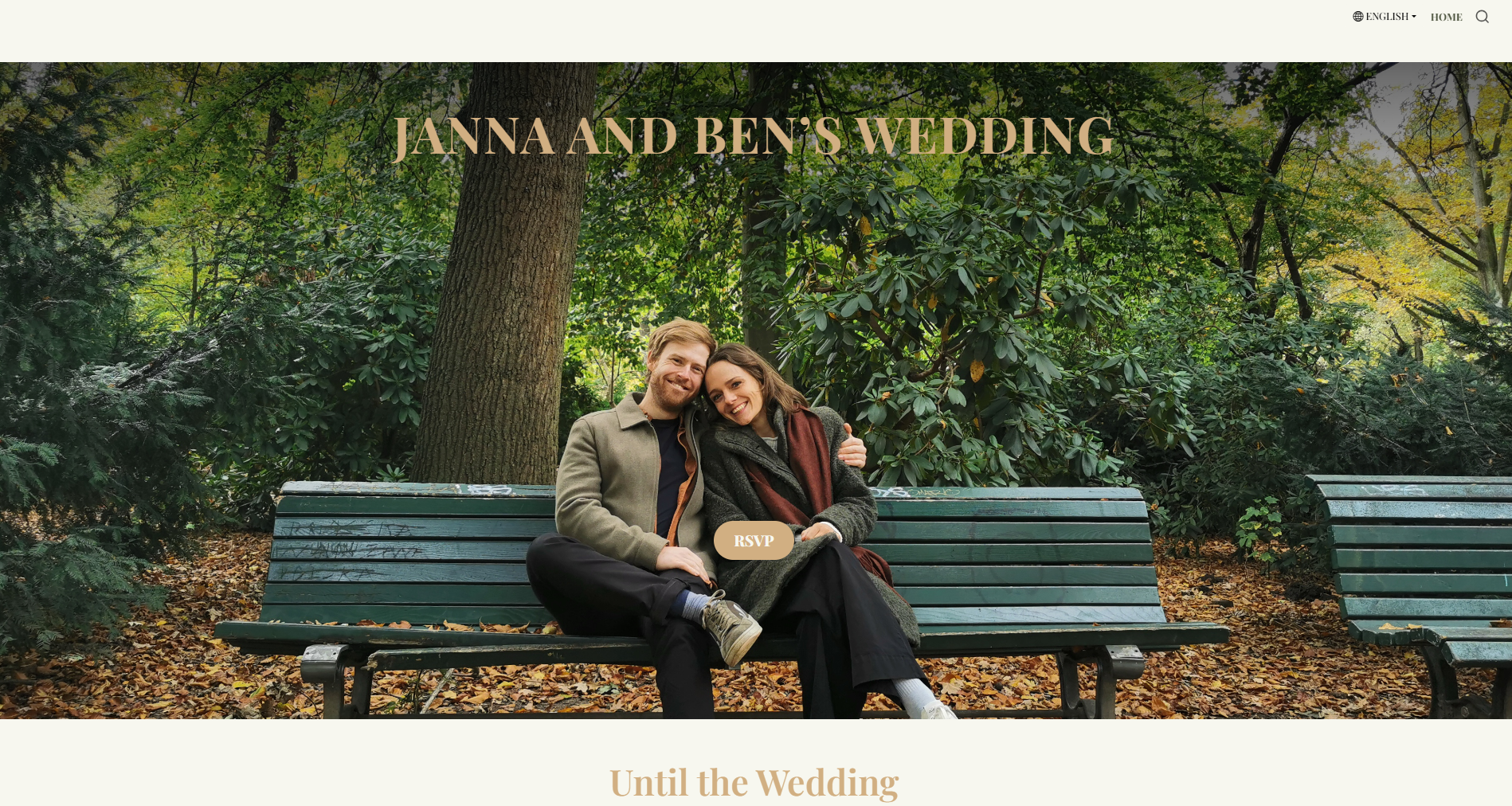
Here are some real websites that the authors have built with Quarto — academic profiles, project pages, a handbook, and even a personal wedding site:
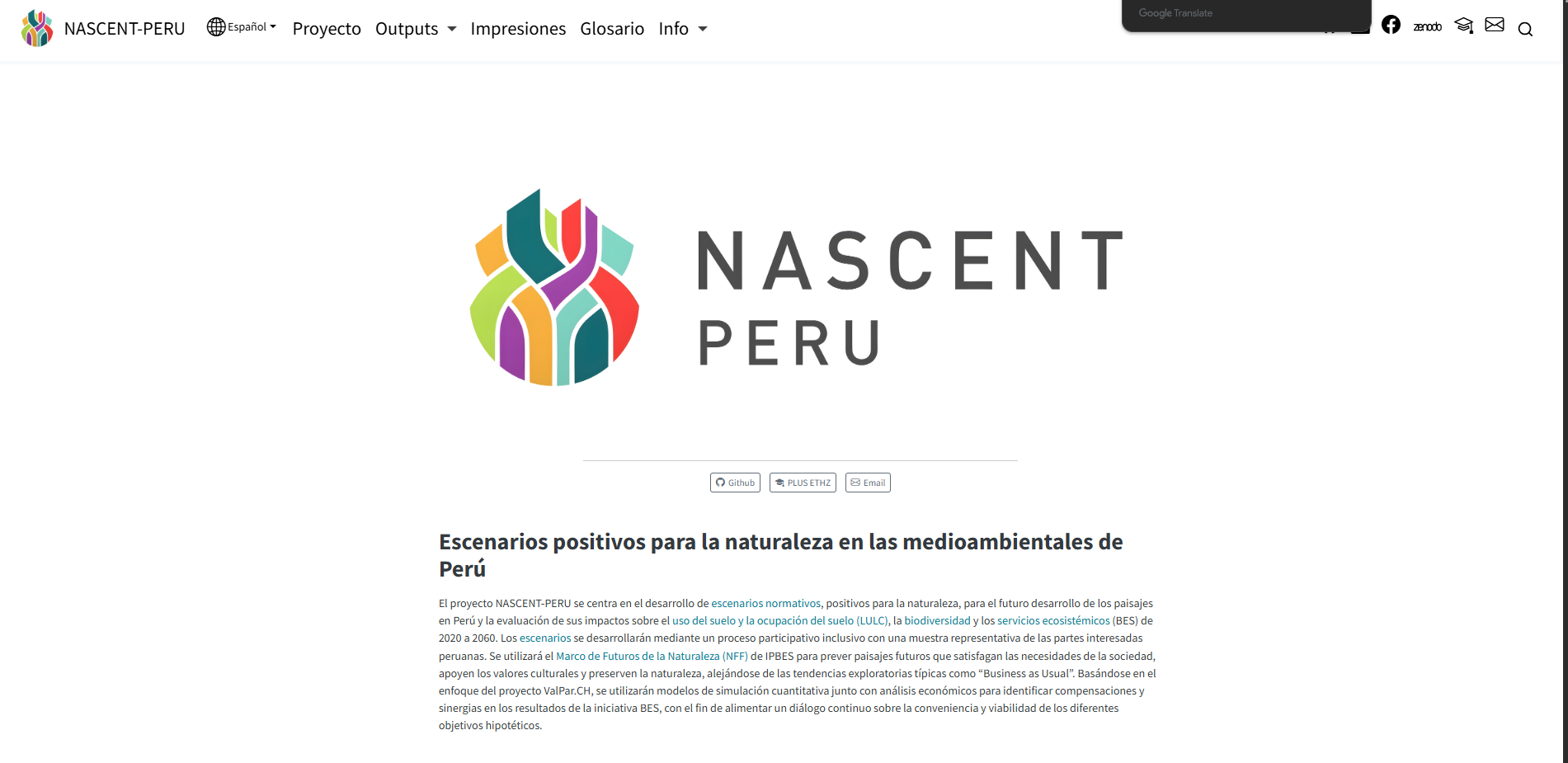
A multi-lingual research project website — discussed further in the advanced topics section.
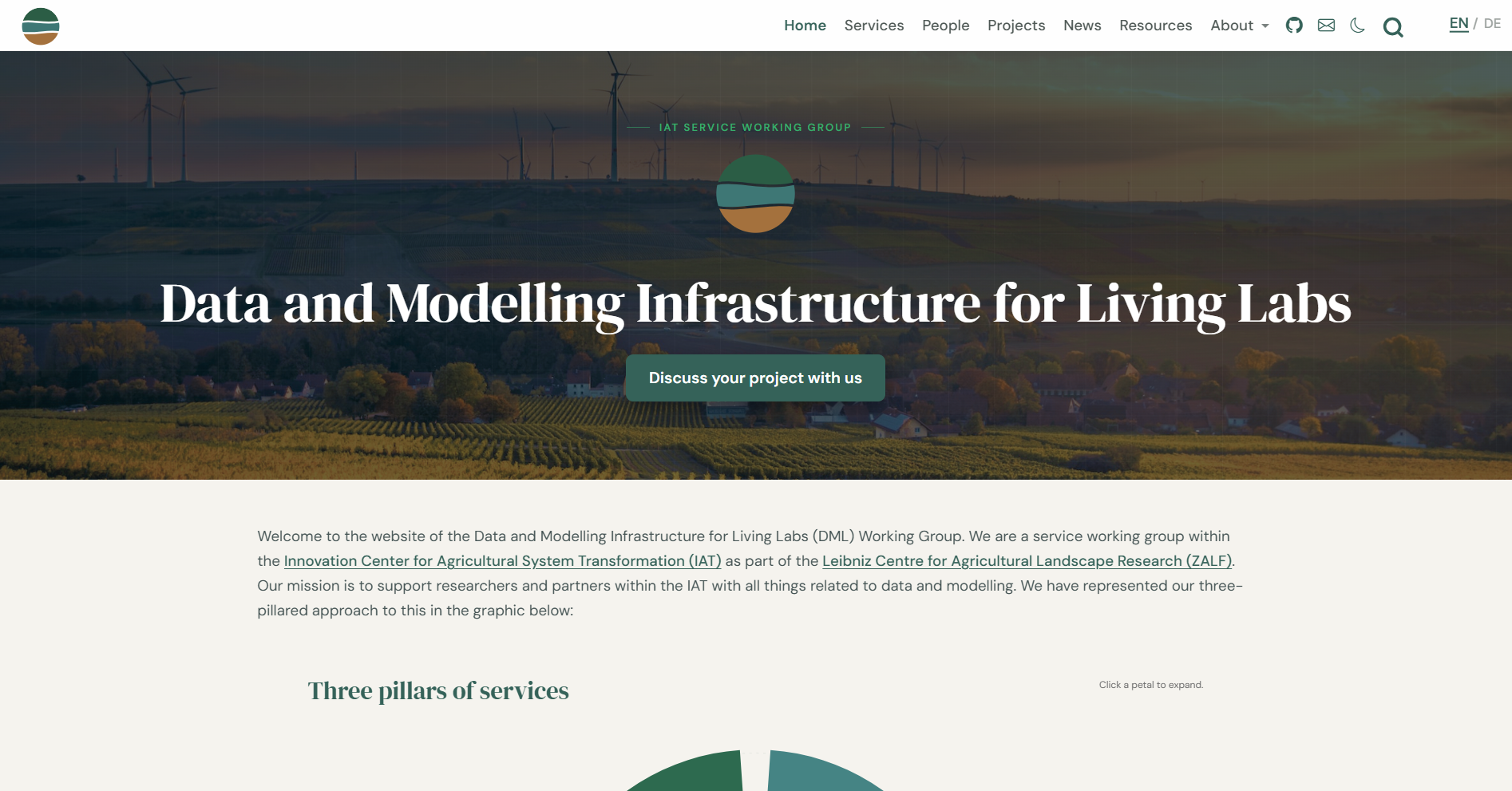
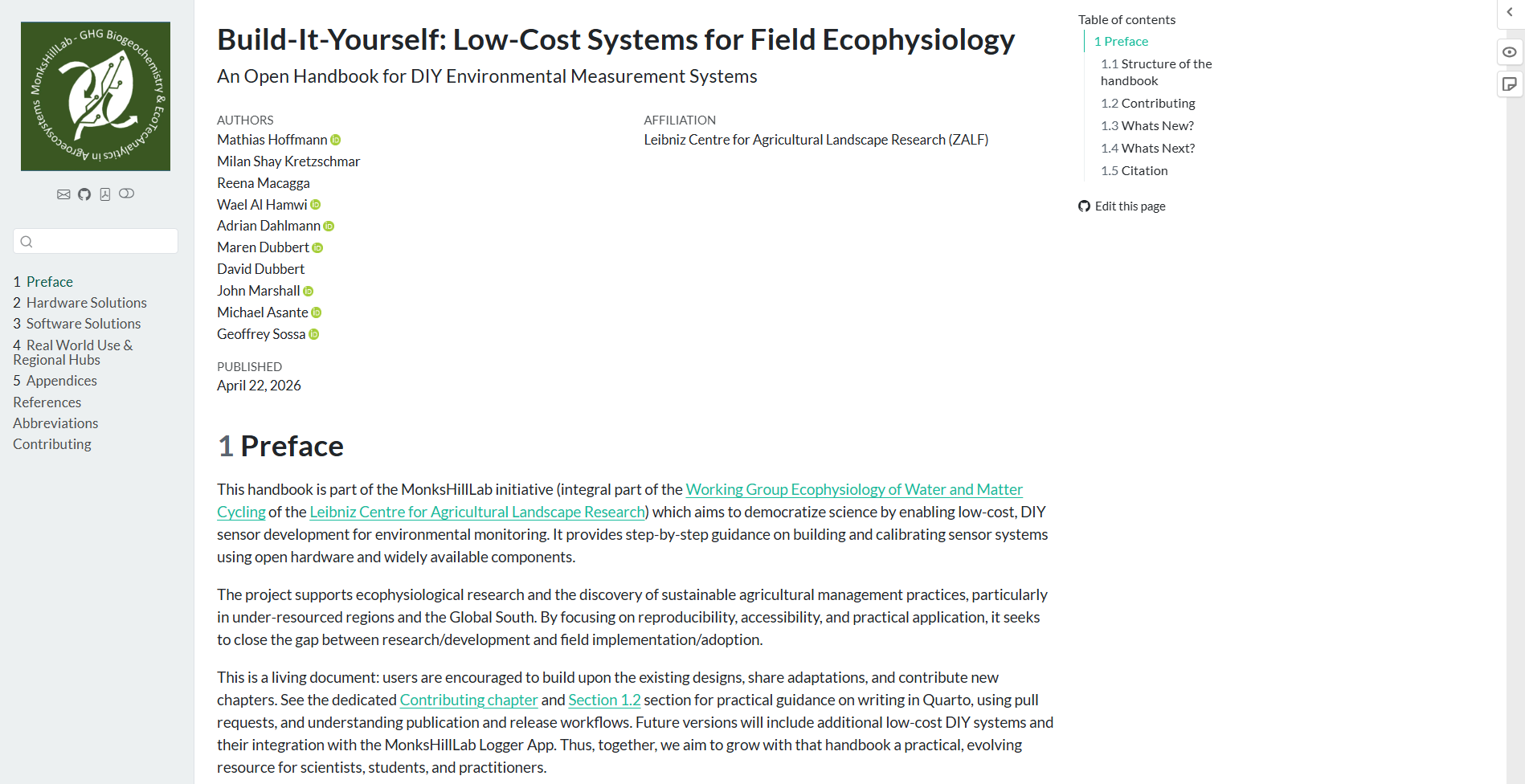
Of course, the website you are reading right now is also built with Quarto, you can view the source code for this site on GitHub.