Creating Custom Templates and Extensions
Another neat feature that comes from Quarto being an open source project is the ability to create and contribute your own templates and exentensions for customized outputs such as project/institutional reports, letters, invoices or slide decks.
Why This Matters For Researchers
Common academic ouputs often repeat familiar patterns:
- Manuscripts have pre-defined sections
- Projects required standardized reports
- Teaching materials are structured according to lectures/sessions.
Creating templates and extensions for these reduces setup time, and extensions can add features that are not included by default.
Templates
Quarto templates are useful when you want a consistent starting point for recurring work. A research group might maintain a preferred manuscript skeleton or workshop-page pattern so new documents begin with the right sections already in place.
A template pairs two things: example content (a starter .qmd with the right YAML options and section structure already filled in) and the styling that goes with it (theme files, CSS/Sass, logos). Bundling these together brings a couple of benefits for teams:
- Consistency — everyone’s documents share the same look and structure.
- Built-in guidance — the starter content can double as documentation: worked examples of figures and cross-references, or demo code for internal packages.
Templates are distributed as extensions (see below), typically hosted on GitHub. Starting a new document from one is a single command, which copies the template files and starter .qmd into a fresh directory:
quarto use template iat-dml/templates/dml-revealjsFor templates that are only for internal use, the same files can also be shipped inside an internal package or shared repository, so long as the _extensions folder ends up alongside the new document.
Templates we have created

A template tailored for cumulative PhD theses, following ETH Zurich’s formatting requirements.
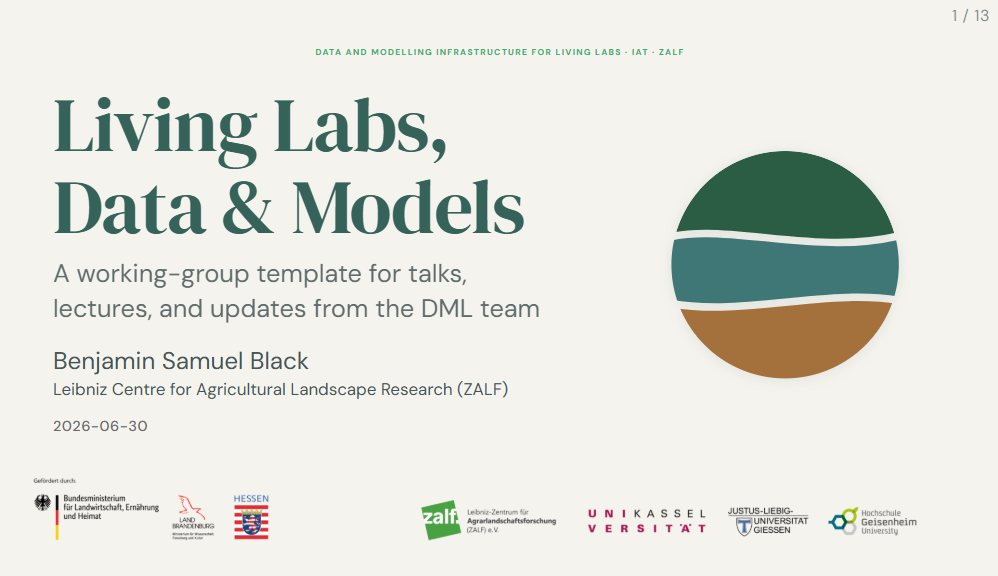
Research group presentation template
A RevealJS template for talks, lectures, and updates — includes interactive diagrams describing key activities.
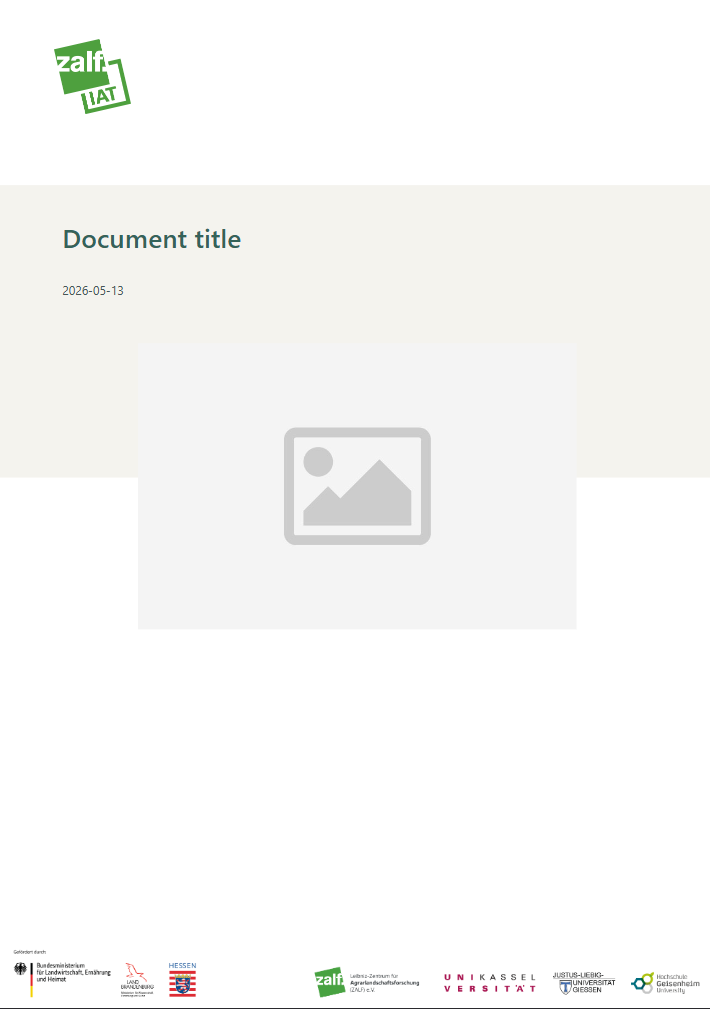
Internal document for an organisation (IAT)
A template for internal reports and documents with a custom Typst format.
Extensions
Extensions are the general mechanism for modifying and extending Quarto’s behaviour, and there are now hundreds of community-contributed ones available. They come in several flavours:
- Shortcodes — small inline commands that insert content, like icons, videos, or badges
- Filters — scripts (usually written in Lua) that transform documents during rendering, adding things like word counts, accordions, or styled code blocks
- Custom formats — entirely new output formats, including journal article formats that match specific publishers’ requirements
- RevealJS plugins — extra features for presentations such as pointers, drawing tools, and slide headers
- Project types — templates for whole multi-file projects rather than single documents
Extensions are installed per project rather than system-wide, with a single command:
quarto add quarto-ext/fontawesomeThis downloads the extension into an _extensions directory next to your document, which means the project remains self-contained — anyone who clones it gets the same rendering behaviour. For that reason it is recommended to commit _extensions to version control. Installed extensions can later be kept current or cleaned up with quarto update and quarto remove.
This website uses three extensions:
This website uses three extensions: - embedio extension to easily embed interactive content like revealjs presentations - iconify extension for including free and open source icons provided by Iconify. - fontawesome extension for including free icons provided by Font Awesome
Mickaël Canouil, a Quarto developer and author of some great extensions and templates himself, has created a very helpful listing of all Quarto extensions: https://m.canouil.dev/quarto-extensions/